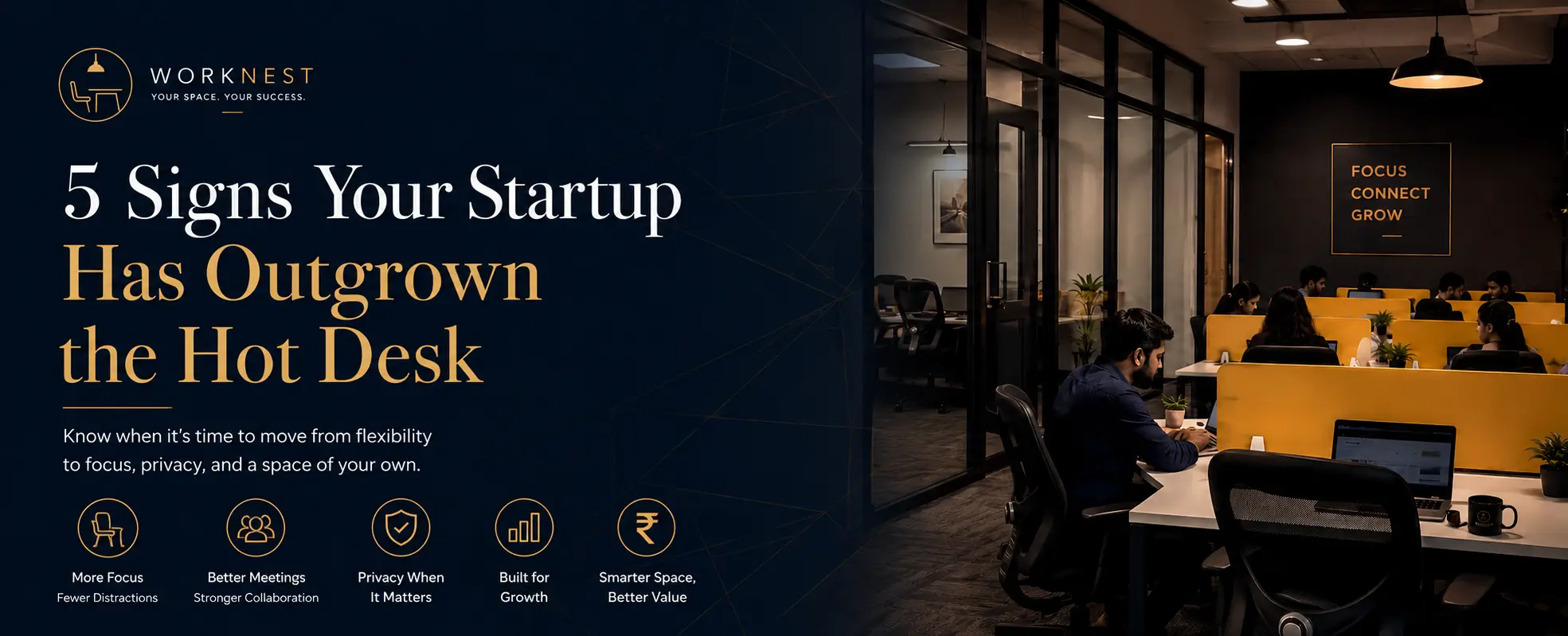
As of 2026, if two or more of these five signs sound familiar, your startup has outgrown the hot desk: you’re booking desks daily just to fit your team, client calls compete with the open floor’s noise, storage has become a problem, meetings spill into hallways, and your team wants one fixed home base. The fix isn’t switching coworking operators – it’s upgrading within WorkNest, from a Hot Desk (₹699/day) to a Dedicated Desk (₹9,999/month) or Private Cabin (₹24,999/month).
Most “time to leave coworking” articles assume you’re shopping for a new provider entirely. That’s the wrong frame if you already like your space. This guide walks through the five signs, using WorkNest’s own pricing and setup, so you can upgrade in place -no re-onboarding, no new commute, no lost momentum.
Sign 1: You’re Booking Desks Every Single Morning
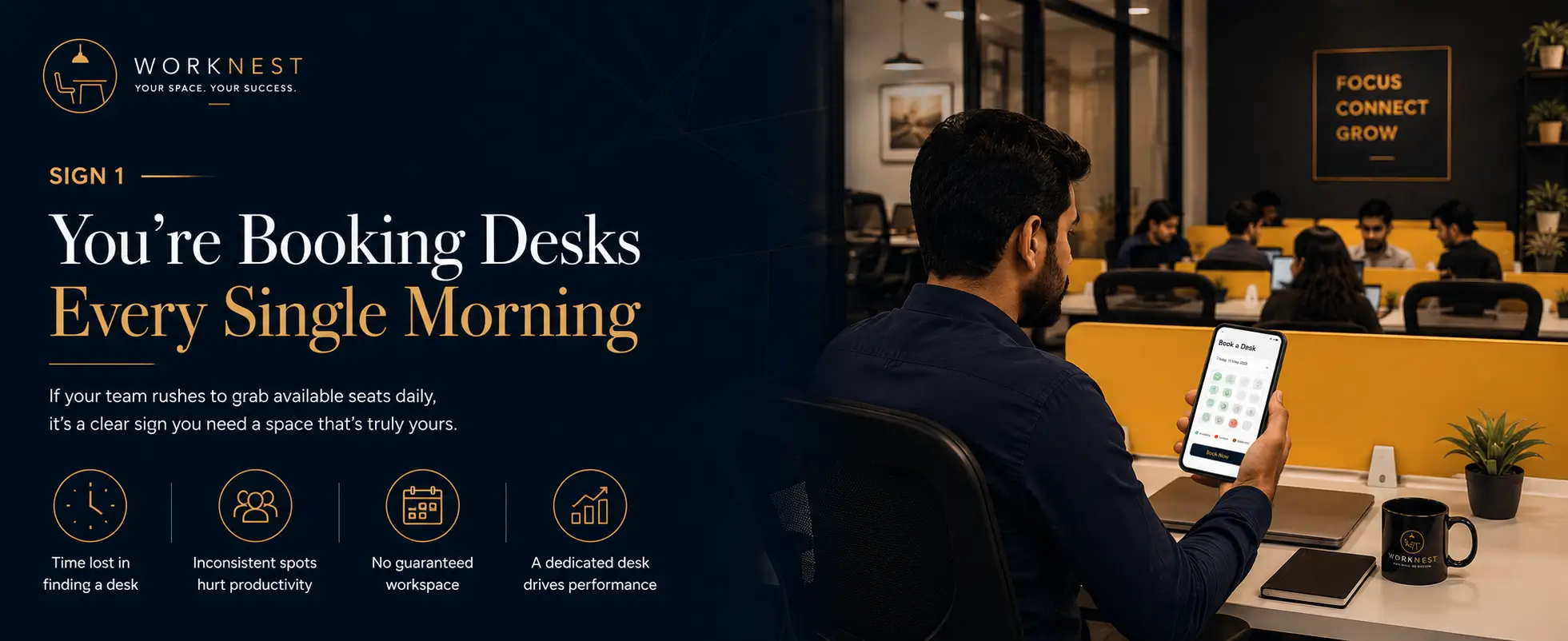
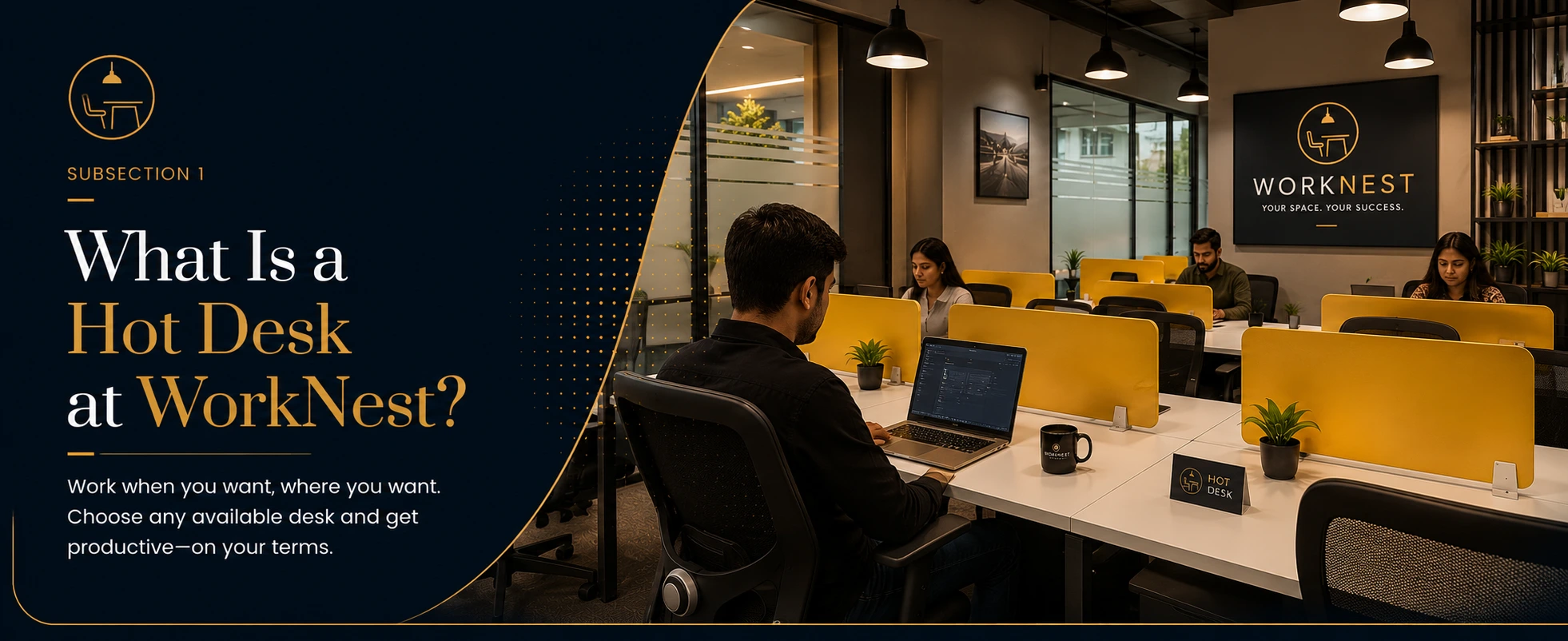
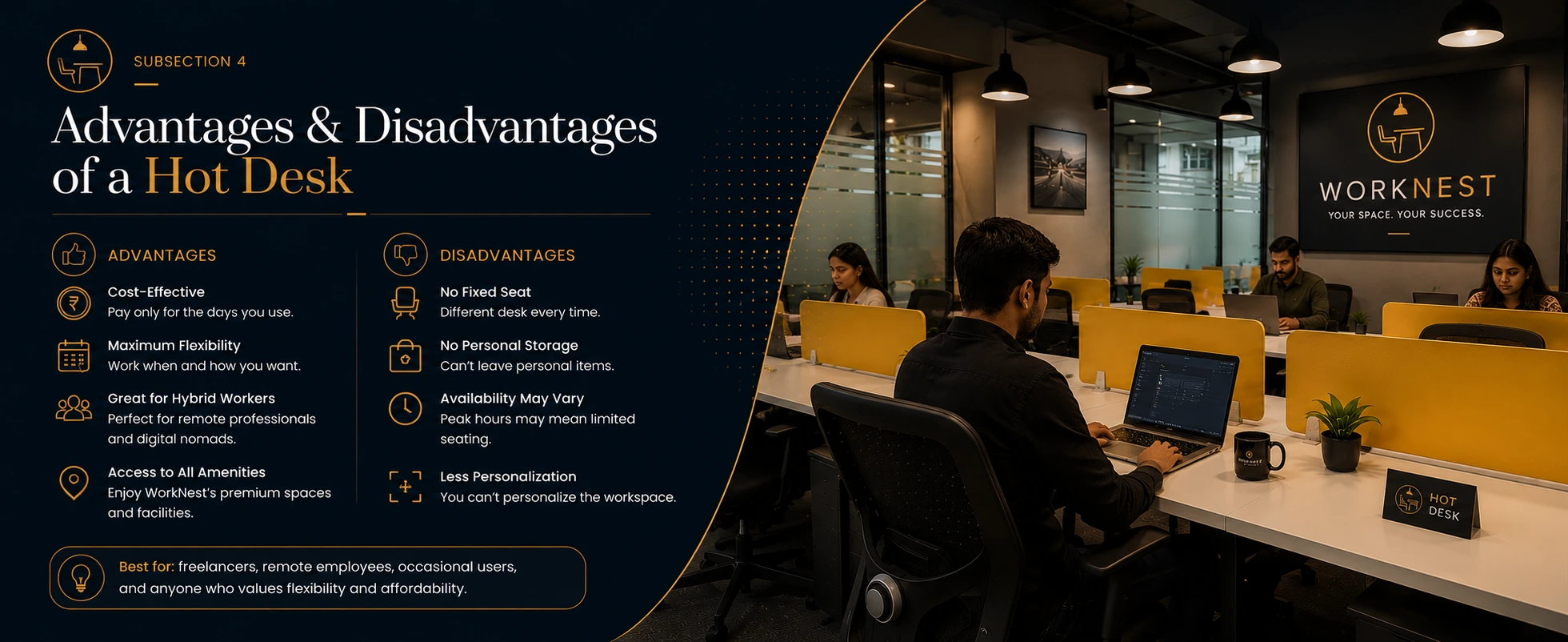
Hot desking works when your team is small and unpredictable. It stops working the moment booking a seat becomes a daily task.
Estimated – verify before publishing: WorkNest hot desk members typically move to a Dedicated Desk after averaging 4+ bookings per week for a month straight.
At ₹699/day, a Hot Desk is built for occasional use. Once your usage becomes daily, the math flips in favor of a fixed plan:
| Usage Pattern | Hot Desk Cost | Dedicated Desk Cost | Cheaper Option |
|---|---|---|---|
| 20-day work month | ₹13,980 | ₹9,999/month | Dedicated Desk |
| 10-day work month | ₹6,990 | ₹9,999/month | Hot Desk |
WorkNest signal: if your team has moved from occasional visits to a daily routine, you’ve already outgrown the hot desk model, even if no one has said it out loud yet.
Sign 2: Client Calls Are Competing With Open-Floor Noise
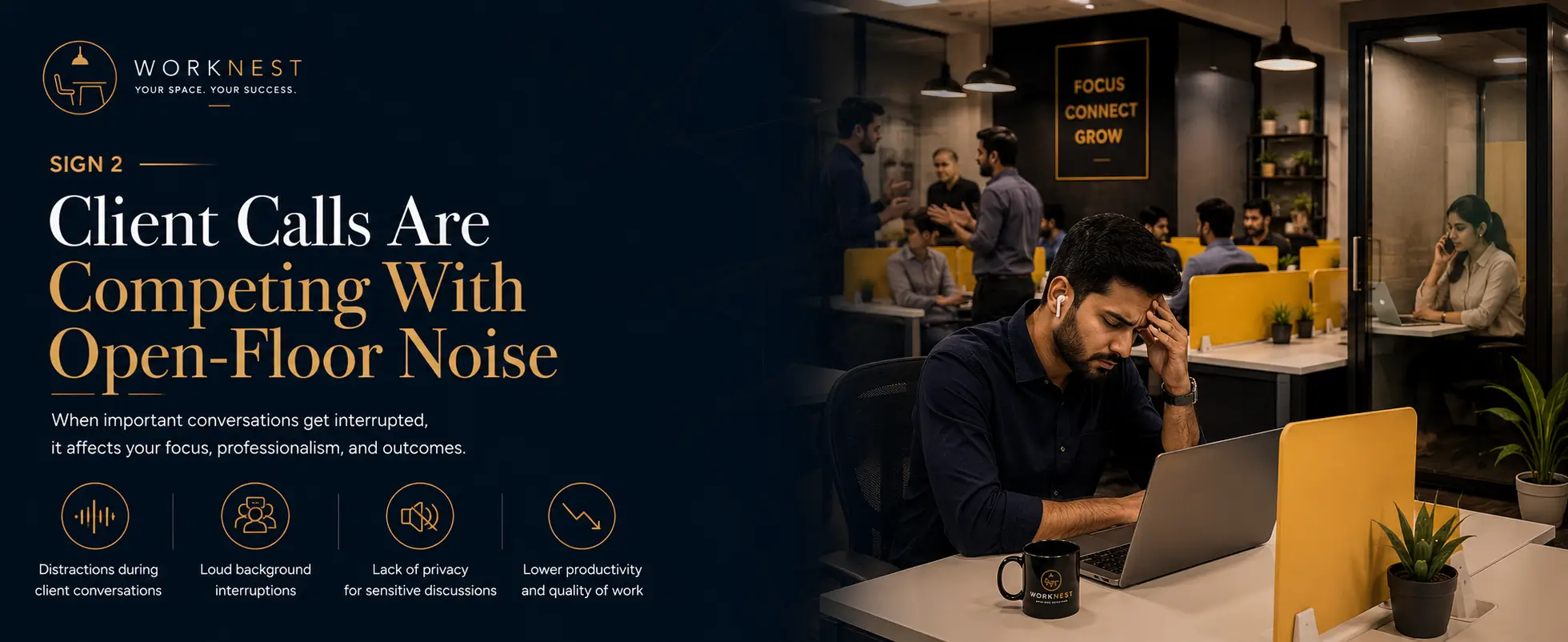
Hot desk zones are shared by design. That’s fine for solo focus work. It’s a problem the first time you’re mid-pitch with a client and someone two seats over is on a loud call.
Founder Arjun Nair put it simply after moving his team: a private cabin changed how clients perceived the business, not just how quiet the room was. Confidential calls, contract negotiations, and investor updates need a closed door -something a shared floor structurally can’t offer.
A Meeting Room at ₹799/hour solves this occasionally. But if you’re booking one three or more times a week, a Private Cabin at ₹24,999/month gives you that privacy on demand instead of on a booking calendar.
Sign 3: You’re Running Out of Places to Put Your Stuff
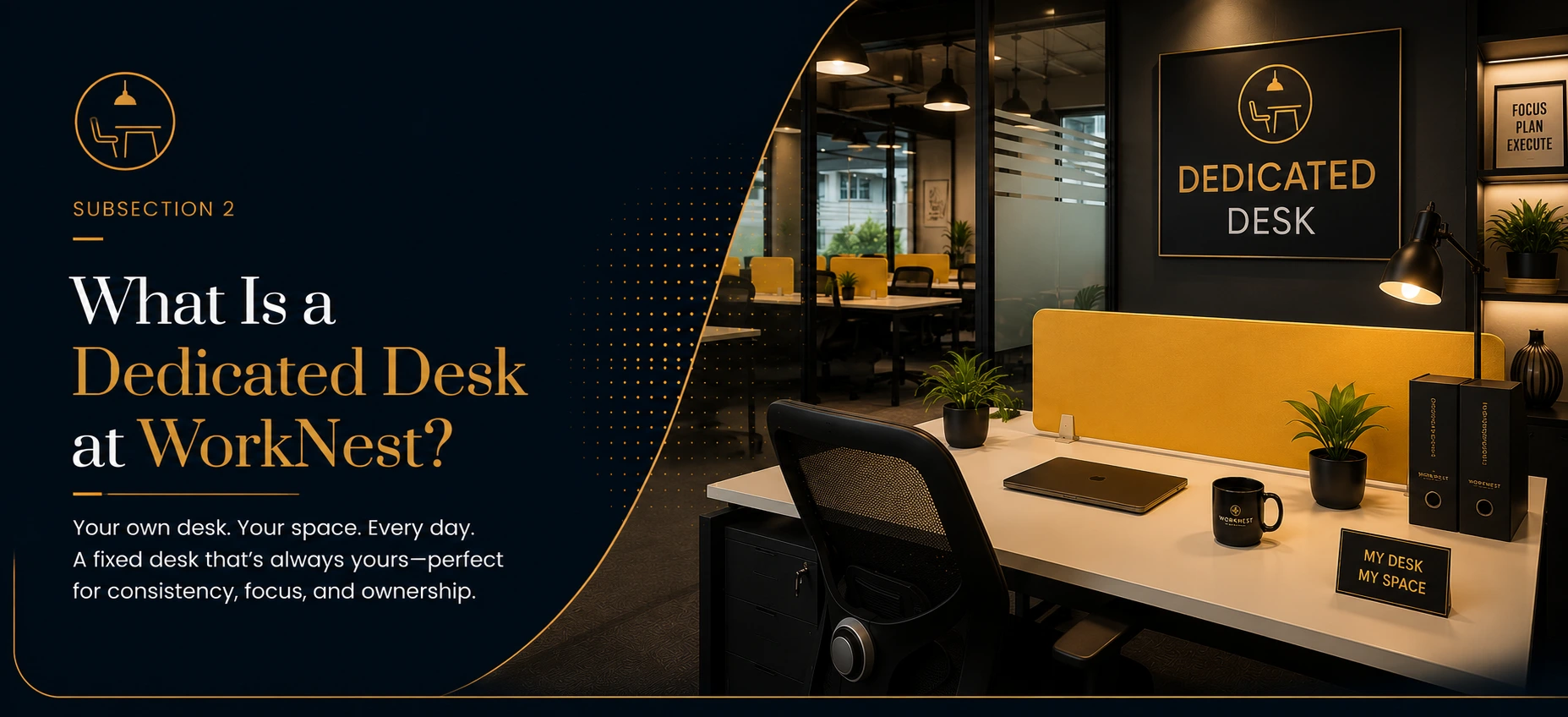
Hot desks are stripped down by nature – no storage, no fixed monitor setup, no whiteboard you can leave mid-sketch. That’s efficient for a two-person team. It breaks down once you have equipment: a second monitor per employee, printed materials, product samples, or simply files you don’t want to carry home daily.
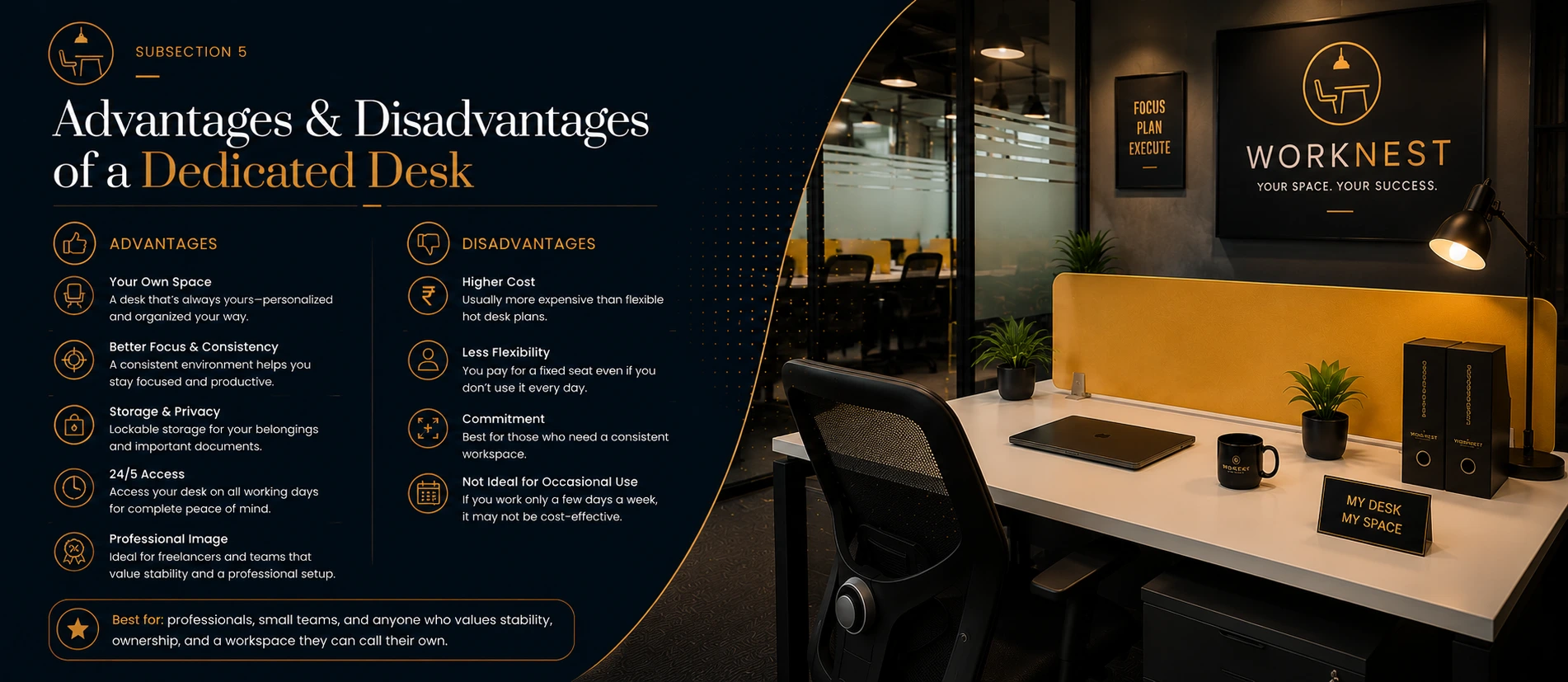
Freelance designer Priya Singh switched to a Dedicated Desk specifically to keep her tablet and reference materials set up permanently, instead of packing and unpacking each morning. That’s the practical tell: if setup and teardown time is eating into your workday, storage has become a real cost.
Sign 4: Your Meetings Have Outgrown Informal Corners
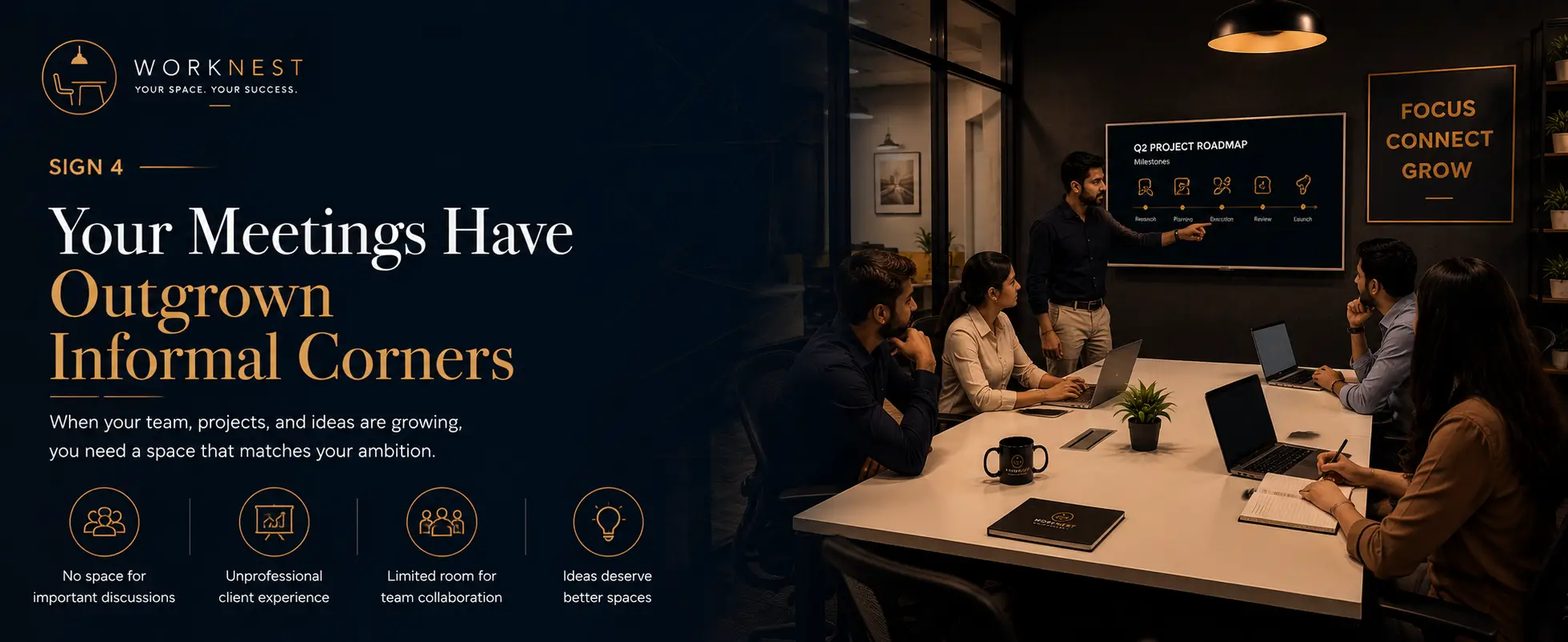
Early-stage teams often run planning sessions from a lounge corner or a borrowed table. It’s scrappy, and it works – until client meetings, investor updates, or team retros need a real room with a door, a screen, and no interruptions.
Sales lead Karan Malhotra found that closing calls went noticeably better once client meetings moved from open seating to a booked Meeting Room. First impressions matter more as deal sizes grow, and a shared lounge table doesn’t send the same signal as a private room.
If your team is booking Meeting Rooms multiple times a week just for internal syncs, that’s a sign the whole team -not just meetings -needs a fixed private space.
Sign 5: Your Team Wants a Home Base, Not a Rotation
This is the cultural sign, and it’s easy to miss because it doesn’t show up in a spreadsheet. Hot desking means a different seat, sometimes a different floor, every day. For a two-person team, that’s not a big deal. For a growing team building shared habits- daily standups, a shared whiteboard, inside jokes at a specific table – rotation quietly erodes culture.
Agency partner Meera Jain described the difference after her team moved into a Private Cabin: people started leaving personal items at their desks, decorating the space, and treating it as theirs. That sense of ownership doesn’t happen in a hot desk zone, no matter how nice the space is.
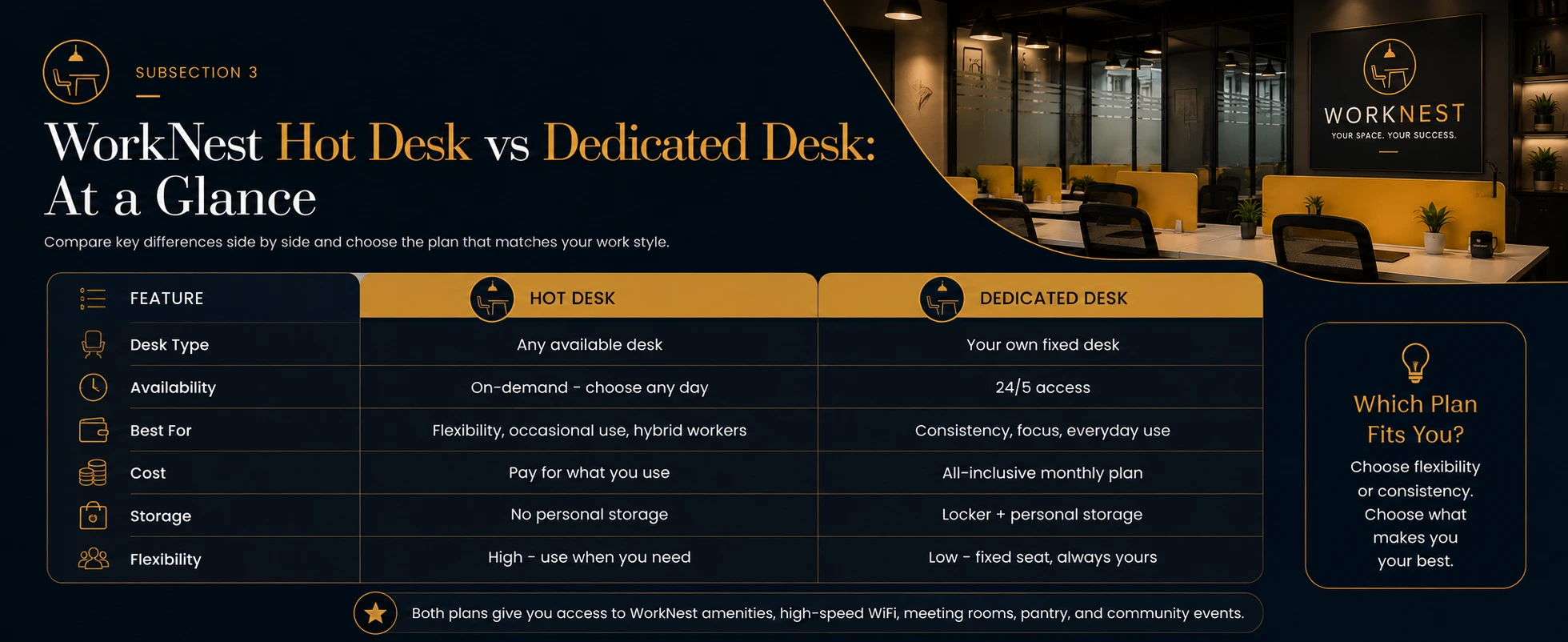
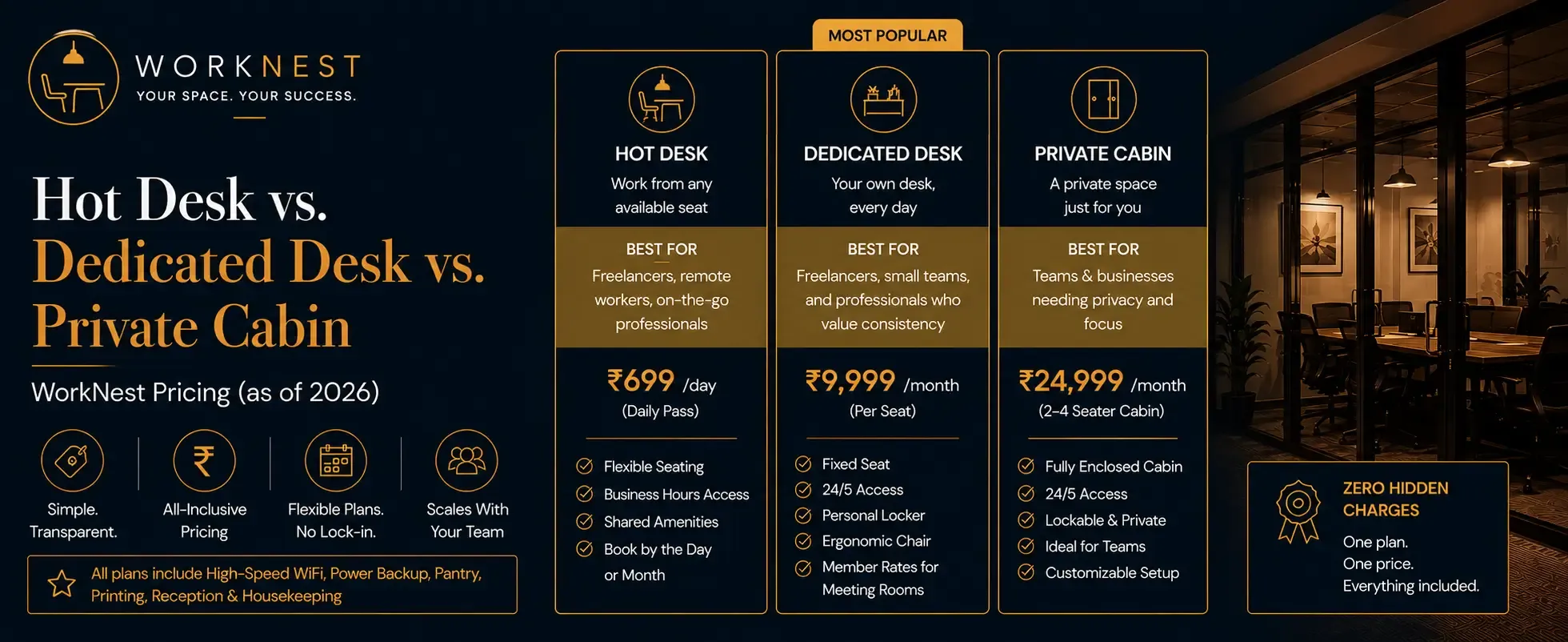
Hot Desk vs. Dedicated Desk vs. Private Cabin – WorkNest Pricing (as of 2026)
| Feature | Hot Desk | Dedicated Desk | Private Cabin |
|---|---|---|---|
| Price | ₹699/day | ₹9,999/month | ₹24,999/month |
| Seat | Shared, first-come | Fixed, reserved | Fixed, private room |
| Privacy | None | Low | Full (closed door) |
| Storage | None | Personal locker area | In-cabin storage |
| Best for | 1–2 people, occasional use | 1–2 people, daily use | 3+ people or client-facing teams |
What to Do Next
You don’t need all five signs to justify an upgrade two or three is usually enough. The upgrade path inside WorkNest is straightforward because you’re not switching operators: same address (E-3, 6D Engineers Colony, Mansarovar, Jaipur 302020), same team, same space with a 4.8 Google rating and a 91% renewal rate among members who’ve made this exact move.
Start by tracking which sign shows up most. Is it daily booking stress, privacy needs, storage, meeting frequency, or team culture? That answer tells you whether a Dedicated Desk or Private Cabin fits better.
From there, WorkNest’s team responds to upgrade requests within 30 minutes on average so you can move from hot desk to a private setup without downtime.
If your startup has outgrown the hot desk, the fastest fix is inside the space you already know, not a new provider search.
FAQs
Q: How do I know if my startup has outgrown the hot desk?
A: Two or more signs daily desk-booking stress, need for private calls, storage problems, frequent meeting-room bookings, or a team wanting a fixed home base mean it’s time to upgrade.
Q: What’s the difference between a Dedicated Desk and a Private Cabin at WorkNest?
A: A Dedicated Desk (₹9,999/month) is a fixed, reserved seat in a shared area. A Private Cabin (₹24,999/month) is a fully enclosed private room, better suited to teams of three or more or client-facing work.
Q: Is it cheaper to upgrade from Hot Desk to Dedicated Desk?
A: Yes, if used daily. Hot Desk at ₹699/day costs about ₹13,980 for a 20-day work month, versus a flat ₹9,999/month for a Dedicated Desk.
Q: Can I use a Meeting Room instead of upgrading to a Private Cabin?
A: For occasional needs, yes. But if you’re booking a Meeting Room (₹799/hour) three or more times a week, a Private Cabin is usually the more cost-effective, always-available option.
Q: Do I have to switch coworking operators to get a private office?
A: No. WorkNest members can upgrade from Hot Desk to Dedicated Desk or Private Cabin within the same location no re-onboarding or new address.
Q: How fast can I upgrade my plan at WorkNest?
A: WorkNest’s team typically responds to upgrade requests within 30 minutes.
Q: What size team needs a Private Cabin instead of a Dedicated Desk?
A: Teams of three or more, or any team handling frequent client calls or confidential work, generally benefit more from a Private Cabin.